Where Is The Practice ID on PayMyDoctor? Where To Find It Easily (2026 Guide)
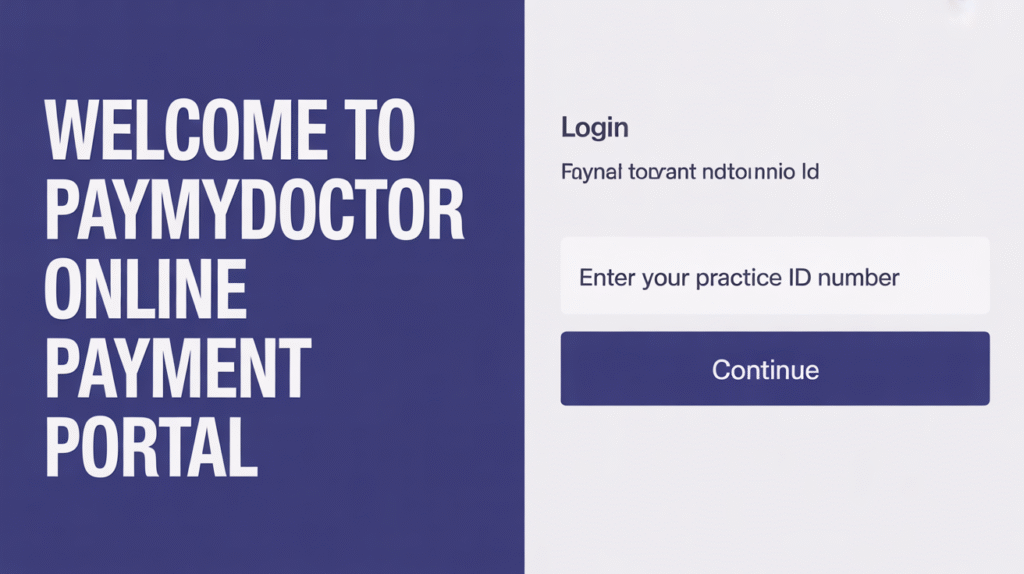
While making a bill payment on PayMyDoctor, one of the most common issues users face is locating their Pay My Doctor, Practice ID. Without it, you can’t proceed with guest payments or sometimes even register your account. If you’re looking at your medical bill and wondering, “Where is the Practice ID?” you’re in the right place.
This guide explains what the Practice ID is, where to find it, what it looks like, and what to do if you can’t locate it.
What is the Practice ID in PayMyDoctor?
A Practice ID is a unique code assigned to each healthcare provider or medical practice partnered with PayMyDoctor. It helps the system identify which hospital or clinic your bill belongs to, ensuring that your payment is routed correctly.
Think of Practice ID as a bridge connecting your medical bill with the online payment system.
Where Can You Find the Practice ID?
You can find your Practice ID directly on your medical bill/statement issued by your healthcare provider or hospital.
Look for it in these areas:
- Front of your medical bill
- Top right or top left billing section
- Near patient information & account number
- Under “Billing Details” or “Statement Summary”
- Next to or below the Client ID / Statement ID
Example appearance on bills:
| Label You May See | Possible Format |
| Practice ID | 6–10 digit alphanumeric code |
| Practice Code | Numeric/Alpha code |
| Provider ID | Similar format, sometimes identical |
Every bill may show it slightly differently, but it will always be among the primary billing identifiers.
Can You Pay Without a Practice ID?
Yes, but not always.
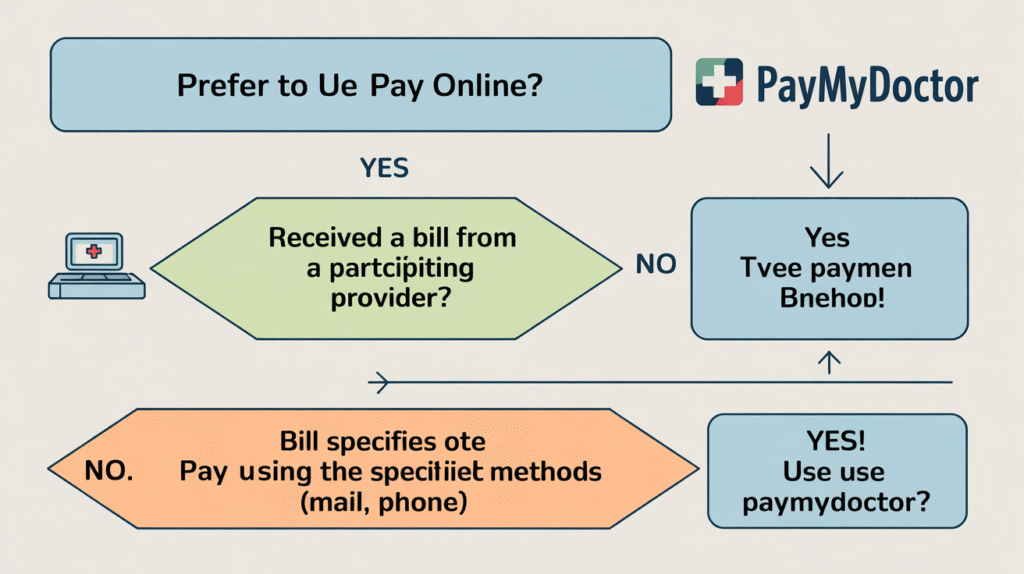
You can make payments using alternative details like:
✔ Account Number
✔ Client ID
✔ Statement Number
✔ Patient ID + ZIP Code
However, if your bill specifically asks for a Practice ID and you cannot find it, you will need to retrieve it using the methods below.
What If You Can’t Find the Practice ID?
Don’t stress, it happens to many users. Here’s what you can do:
1. Check the complete bill
Sometimes bills have multiple pages; the Practice ID may be on page 2.
2. Contact your healthcare provider
The quickest solution.
Tell them you need your Practice ID for PayMyDoctor online payment. They can provide it immediately after verifying your details.
3. Look up the Practice Name on PayMyDoctor registration
If your provider is registered, it may auto-fill when registering with Account Number + ZIP Code.
4. Check emails or SMS reminders
Digital statements sometimes include the Practice ID.
Why Is the Practice ID Important?
Because without it, the system may not know which provider your payment belongs to.
Practice ID ensures:
✔ Correct routing of payment
✔ No delays in bill updates
✔ Accurate posting to the right patient account
Entering the wrong Practice ID may cause payment mismatches, so verify it before paying.
Quick Ways to Obtain Practice ID (Summary)
| Method | Time Needed |
| Check bill statement | Instant |
| Contact hospital billing desk | 1–10 mins |
| Email provider | Few hours |
| Check confirmation emails | 2–5 mins |
| Try account + ZIP auto-match | Few mins |
FAQ
- Is Practice ID the same as Client ID?
No. Practice ID refers to the healthcare provider. Client/Account ID refers to your personal billing reference.
- Can I use PayMyDoctor without a Practice ID?
In many cases, yes, using Account ID + ZIP Code, but some payments require Practice ID.
- Where is Practice ID printed?
Usually on the front of your billing statement, near account details.
- Can I get the Practice ID by calling PayMyDoctor?
No, PayMyDoctor doesn’t offer direct billing support. You must contact your medical provider.
Final Thoughts
Finding your Practice ID is easy once you know where to look. Simply check your bill, especially the top section near the account and patient details. If still not found, just contact your healthcare provider; they’ll provide it quickly.
Understanding where to locate Practice ID saves time and ensures smooth bill payments without errors.